Get your COBOL developers fluent in IBM Developer for z/OS — on their own schedule
Strongback has taught IDz since 2011. This self-paced COBOL track takes the same curriculum we deliver live and lets each developer work through it between sprints — no class to schedule, no seats sitting idle.
Request a Quote
Tell us your team size — we’ll follow up with seat pricing for the IDz COBOL self-paced track.
We’ll respond within one business day.
The IDE your company bought, actually put to use
IDz adoption often stalls because developers never get past the basics. This track fixes that without pulling anyone off delivery for a multi-day class.
Learn on their schedule
COBOL developers work through modules between sprints, on their own time — not instead of shipping work.
Priced for your team
Quoted per seat for the developers who need it — a team of five or a whole application group.
Onboard new hires sooner
New developers start the track when they join, instead of waiting for the next scheduled class.
Built by IDz practitioners
The same curriculum Strongback has taught live since 2011, from the consultants who deliver our IDz implementations.
33 video modules, from first login to confident daily use
The COBOL track moves developers from the IDz workbench basics through debugging, testing, and day-to-day source management — the same ground our instructor-led course covers, at self-paced speed.
Workbench & Connections
- Workbench Basics. Eclipse views, perspectives and preferences, plus importing the class project. Start here.
- z/OS Connections. Connect to your z/OS system and share connections with others.
- RSE Filters. Sort and view data sets in Remote Systems Explorer and organize them with filter pools.
Editing COBOL
- COBOL LPEX ISPF Editor. Use the LPEX editor with an ISPF profile to carry over your ISPF skills.
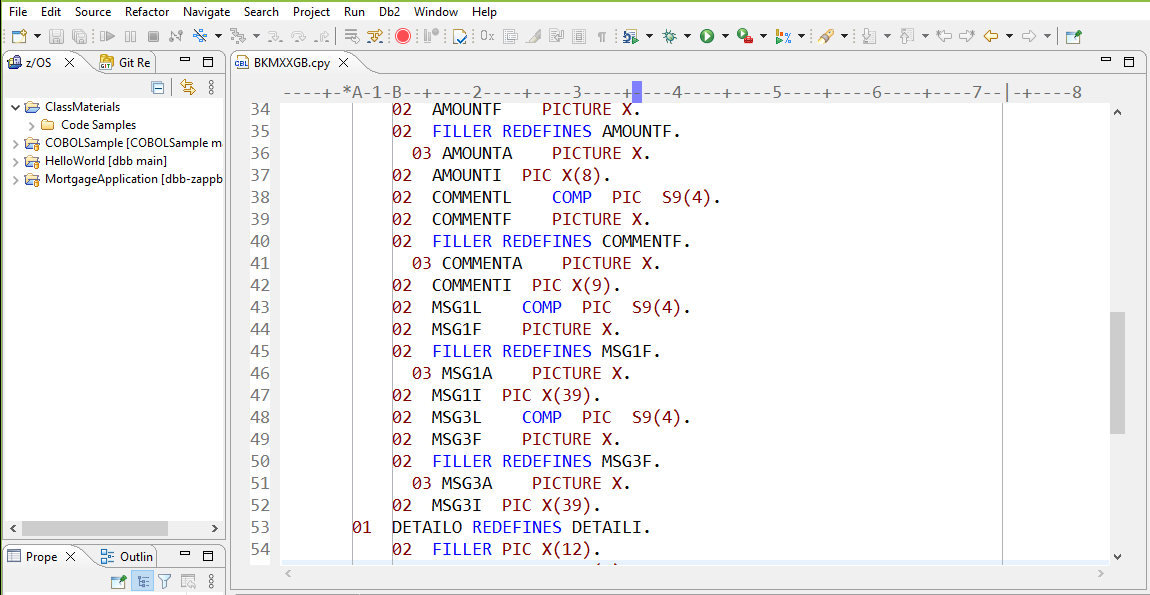
- COBOL Editor. The dedicated COBOL editor with advanced analysis and editing features.
- COBOL Templates & Snippets. Create and reuse code skeletons and snippets of existing code.
- COBOL Search. Find text across data set members on z/OS.
- Compare & Merge. Visualize differences between two files or two versions of a file.
Other Editors
- JCL Editor. A dedicated JCL editor with features beyond the LPEX editor.
- BMS Editor. Edit BMS maps with a WYSIWYG editor.
- REXX Editor. Code folding, content assist and syntax checking for REXX.
- QSAM Editor. Edit sequential data sets in a dedicated editor.
z/OS Data, Jobs & Unix
- MVS Data Sets. Allocate, delete, rename and alias data sets.
- MVS Members. Create, edit, browse and view data set members.
- TSO Shell. Issue TSO commands from an interactive view.
- JES. Submit, monitor and review jobs on your z/OS system.
- z/OS UNIX Subsystem. Edit files and folders in UNIX System Services. Required for Git and DBB.
- z/OS UNIX Shells & Terminals. Issue SSH commands to z/OS UNIX. Required for Git and DBB.
Compile, Build & Analyze
- COBOL Syntax Check. Catch syntax errors with the z/OS COBOL compiler before you compile.
- COBOL Software Analyzer. Static analysis to find performance and security problems before production.
- User Build. Set up a Dependency Based Build (DBB) user build.
Git Source Control
- Git Repositories. Create, clone and delete Git repositories.
- Staging & Committing. Add and edit files, then stage and commit them.
- Branching. Work with branches and merge code between them.
- Tagging. Tag releases and compare tagged code with your local copy.
- History. View the Git history of source edits.
- Pull & Push. Push changes to a remote repository, and pull or fetch changes into your working tree.
Debug & Test
- COBOL Debug Profiles. Manage CICS (DTCN) and non-CICS profiles to simplify debugging.
- COBOL Launch Debugger. Several ways to start a program under the debugger.
- COBOL Debug: Batch. Breakpoints, variables and the other views in the Debug perspective.
- COBOL Debug: CICS. Launch and debug an interactive CICS program.
- Code Coverage. See which code has been debugged and tested, and which has not.
- Fault Analyzer. Diagnose abends and resolve problems quickly.
Want training delivered as part of a rollout? The self-paced track pairs with our instructor-led IDz classes — see IDz Implementation Services.
Put the IDE your company bought to work. Get your COBOL developers productive on IDz without pulling them off delivery.