Get your COBOL developers fluent in IBM Developer for z/OS — on their own schedule
Strongback has taught IDz since 2011. This self-paced COBOL track takes the same curriculum we deliver live and lets each developer work through it between sprints — no class to schedule, no seats sitting idle.
Request a Quote
Tell us your team size — we’ll follow up with seat pricing for the IDz COBOL self-paced track.
We’ll respond within one business day.
The IDE your company bought, actually put to use
IDz adoption often stalls because developers never get past the basics. This track fixes that without pulling anyone off delivery for a multi-day class.
Learn on their schedule
COBOL developers work through modules between sprints, on their own time — not instead of shipping work.
Priced for your team
Quoted per seat for the developers who need it — a team of five or a whole application group.
Onboard new hires sooner
New developers start the track when they join, instead of waiting for the next scheduled class.
Built by IDz practitioners
The same curriculum Strongback has taught live since 2011, from the consultants who deliver our IDz implementations.
From first login to confident daily use
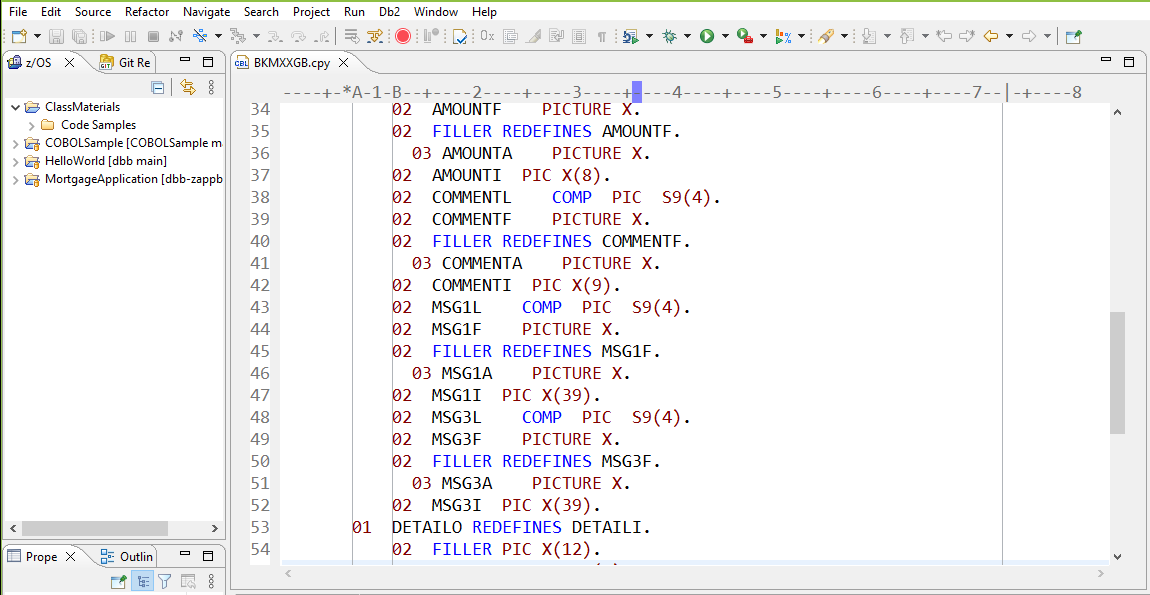
The COBOL track moves developers from the IDz workbench basics through debugging, testing, and day-to-day source management — the same ground our instructor-led course covers, at self-paced speed.
Want training delivered as part of a rollout? The self-paced track pairs with our instructor-led IDz classes — see IDz Implementation Services.
Put the IDE your company bought to work. Get your COBOL developers productive on IDz without pulling them off delivery.